What is the difference between a retry Stripe tried and revenue that fell through?
A failed card payment in Stripe is any charge whose status is failed, declined, processor_declined or gateway_rejected. Stripe runs its own retry and dunning logic, so many of these are recovered automatically on a later attempt and the customer never notices. The problem is the residue: once Stripe's retries are exhausted, a failed charge simply sits in a failed state, and Stripe does not separate a failure it already recovered from one that was never collected.
That distinction is the whole game. A retry Stripe already completed is not lost revenue, it is a payment that went through on the second or third attempt. Revenue that quietly fell through is a failure with no later success behind it, and it is the only part worth a human's attention. If you treat every failed charge as leakage you will chase money you already have; if you ignore them all you will miss the ones that never came back.
What to separate in your Stripe data
Not every failed charge is leakage, and not all leakage is a straightforward failure. These are the distinct things worth pulling apart:
- Card payments whose status is failed, declined, processor_declined or gateway_rejected, with the real amount and customer attached so you can verify each one (PAYMENT_FAILED).
- Only the failures that were genuinely never recovered: a later successful payment from the same customer for the same amount means Stripe already fixed it, so it should be dropped rather than chased again.
- Disputes and chargebacks (disputed, chargeback, needs_response, under_review and similar), kept separate because each has a response deadline and is lost by default if no one answers (PAYMENT_DISPUTE).
- On the invoice side of Stripe: overdue and part-paid invoices, duplicate charges (the same customer charged the same amount twice, both successful, within about 72 hours), and cash received but never applied to an invoice.
How to find failed card payments in Stripe manually
You can do all of this in Stripe's own read-only views, without triggering a single retry. Work through it in this order:
- 1In the Stripe Dashboard, open Payments and filter the status to Failed. Add the Uncollectible and past_due views under Invoices and Subscriptions to catch failures that ended a billing cycle. Export to CSV if you would rather work in a spreadsheet.
- 2For each failed payment, note the customer and the amount, then check whether a later payment from the same customer for the same amount succeeded. If one did, Stripe already recovered it, so leave it alone.
- 3The failed payments with no matching later success are the ones that quietly fell through. This shorter list is the card revenue actually worth chasing.
- 4Open the Disputes view separately. Record the amount and, crucially, the response deadline on each one, because an unanswered dispute is forfeited automatically.
- 5On the invoice side, review overdue and part-paid invoices, look for two successful charges to the same customer for the same amount within a few days (a likely duplicate), and check for payments that were never applied to an invoice.
- 6Total the never-recovered failures, the live disputes and the invoice-side items. That figure is your genuinely exposed card revenue, and every line has a customer and amount behind it so your team can act in Stripe.
Does Stripe surface the revenue that fell through?
Not on its own. Stripe runs its own retry and dunning, and it marks a payment succeeded or failed, which is exactly what a payment processor should do. What it does not do is separate a failure it already recovered on a later attempt from revenue that was never collected, or present that residue as a prioritised, owned recovery task. That gap is where quiet leakage accumulates, because a failed charge with no owner and no deadline is easy to scroll past.
A read-only tool closes the gap by doing the cross-record check for you. LeakIQ connects to Stripe read-only, flags failed, declined, processor_declined and gateway_rejected payments (PAYMENT_FAILED), and drops any failure that a later successful payment for the same customer and amount already recovered, so a retry Stripe completed is never re-flagged. It surfaces disputes and chargebacks as a separate, time-critical issue with their deadline (PAYMENT_DISPUTE), and on the invoice side it flags overdue and part-paid invoices, duplicate charges and unapplied cash. Every finding carries the source Stripe record and a pound value.
LeakIQ never retries the payment, never re-charges the card, never writes to Stripe and never moves money. It does not run dunning or smart-retry logic, it does not respond to disputes or submit evidence, and it cannot recover a failure whose later success is not matchable by customer and amount. It tells your team precisely what fell through and hands them the record; the retry or the customer call happens in Stripe, by a human.
How much card revenue leaks this way?
Stripe does not publish a single card failure rate we can cite, and the honest answer is that it varies by portfolio, card mix and geography. The nearest measured benchmarks come from Direct Debit rather than cards, but they show the shape of the problem:
of UK Direct Debit payments fail (GoCardless, across 55,000 businesses and 52 million transactions)
of customer churn is involuntary: a payment that failed, not a customer who chose to leave
of revenue commonly leaks away undetected, a widely cited industry estimate
The 2.9% and ~30% figures are from GoCardless, measured across 55,000 businesses and 52 million transactions and published on /what-is-revenue-leakage. They measure Direct Debit, not cards, and are included as the nearest published benchmark. The 1% to 3% range is a commonly cited industry estimate, not a single published figure.
Want to see an example of the free report you'd receive?
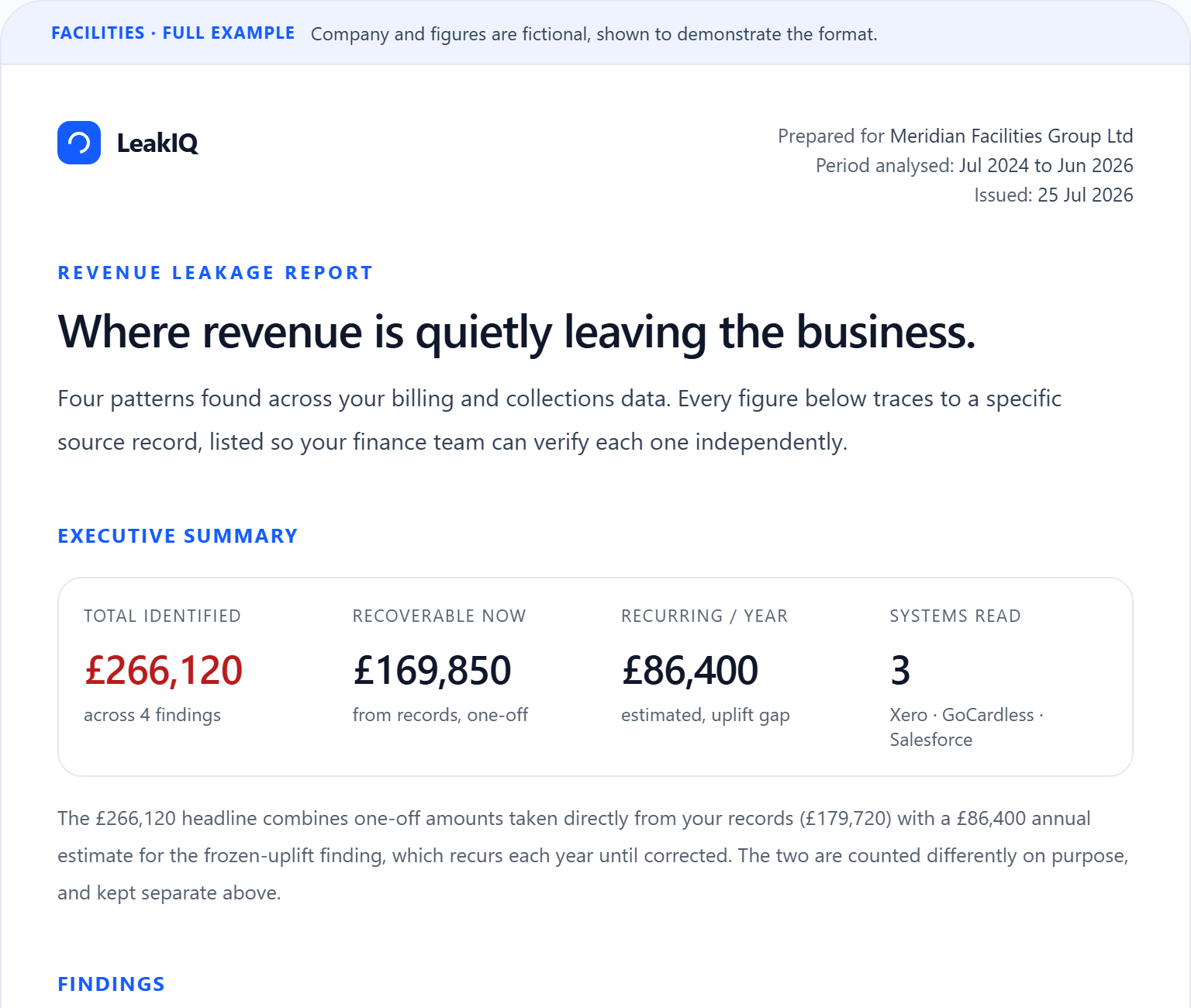
The headline figures, then every finding with its amount, the customers affected and the source records behind it.
Common questions
How do I see failed card payments in Stripe?
In the Stripe Dashboard, open Payments and filter the status to Failed, and add the Uncollectible and past_due views under Invoices and Subscriptions to catch failures that ended a billing cycle. You can export the results to CSV to work through them in a spreadsheet. That shows you every failed charge, but not which ones Stripe later recovered, so you will still need to separate the two.
What is the difference between a failed payment Stripe retried and one that was never recovered?
A retry Stripe already completed is a payment that failed on the first attempt but succeeded on a later one, so the money is in and there is nothing to chase. A failure that was never recovered has no matching later success behind it, and that is the only part that is genuinely lost revenue. The practical test is to check whether a later payment from the same customer for the same amount succeeded: if it did, leave it, and if it did not, it fell through.
Does Stripe automatically recover failed card payments?
Stripe runs its own retry and dunning logic, so a good share of failed card payments are recovered automatically on a later attempt. But once those retries are exhausted, a failed charge simply sits in a failed state, and Stripe does not flag which failures were never collected or turn them into an owned recovery task. That residue is where card revenue quietly leaks.
Are chargebacks and disputes the same as failed card payments?
No, and it matters that you keep them apart. A failed payment never collected the money in the first place, whereas a dispute or chargeback claws back money you had already received, and each dispute carries a response deadline that is forfeited by default if no one answers it. Treat disputes as a separate, time-critical queue rather than folding them in with ordinary failures.
How much card revenue leaks through failed payments?
Stripe does not publish a single card failure rate, and it genuinely varies by portfolio, card mix and geography, so any precise number would be invented. The nearest measured benchmarks are from Direct Debit: GoCardless found around 2.9% of UK Direct Debit payments fail and roughly 30% of customer churn is involuntary, a payment that failed rather than a customer who chose to leave, measured across 55,000 businesses and 52 million transactions. Finance teams also commonly estimate that 1% to 3% of revenue leaks away undetected.
Keep reading
- the GoCardless direct debit guide
The same never-recovered test applied to Direct Debit, where failures are common and quiet.
- the involuntary churn guide
When a failed card payment ends a subscription, involuntary churn is the revenue you lose next.
- what revenue leakage is
A plain-English primer on the underlying problem before you go looking for it in Stripe.
- an example leakage report
See how failed payments and disputes are surfaced with the source record and a pound value.
- how the platform works
How the read-only connector reads Stripe and prioritises what fell through, end to end.